Call us now on 0141 946 7355
or email: sales@smartboarddirect.co.uk
KEY FEATURES:
Video
Audio
Connectivity
Platforms
Management
Warranty
In the box: Poly Studio X52 video bar, power supply, HDMI cable, Ethernet cable, monitor clamp, privacy cover.
| Poly Studio X32 | Poly Studio X52 | Poly Studio X72 | |
|---|---|---|---|
| Room size | Small rooms and huddle spaces | Medium rooms | Large rooms and boardrooms |
| Cameras | Single 4K, 132° diagonal FOV | Single 4K, 95° FOV | Dual 4K, 70° + 120° FOV |
| Mic range | Up to ~4.5 m | Up to ~6 m | Up to ~7.6 m |
| Zoom | 5x digital | 5x digital | Dual-camera switching |
| Expandable cameras | No | No | Yes (compatible Poly cameras) |
| HDMI outputs | 2 | 2 | 2 |
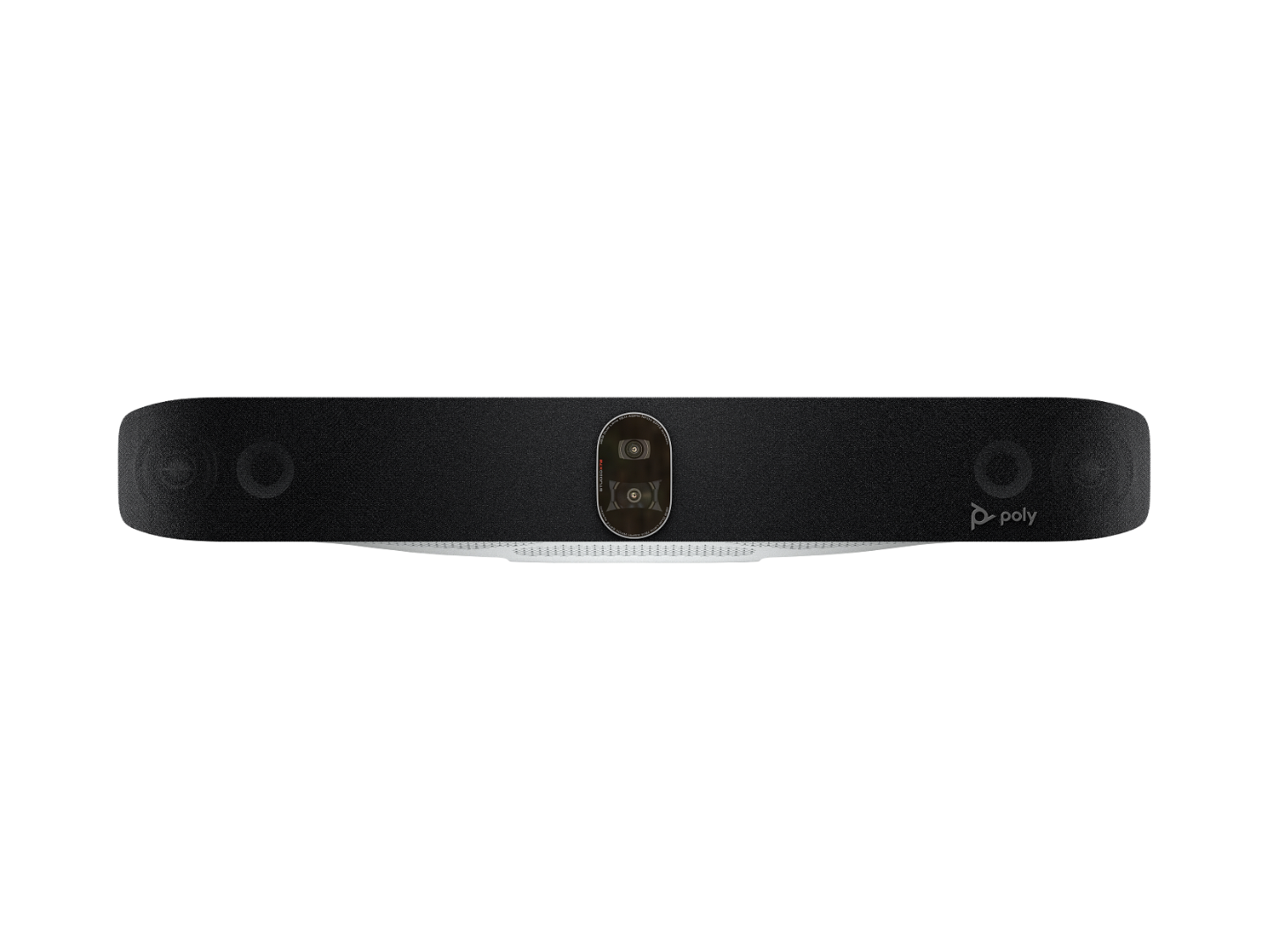
Choose the X32 for small rooms, the X52 for medium rooms and the X72 for large rooms where one camera isn’t enough. See our [Poly Studio X32 page] and [Poly Studio X72 page].
DESCRIPTION:
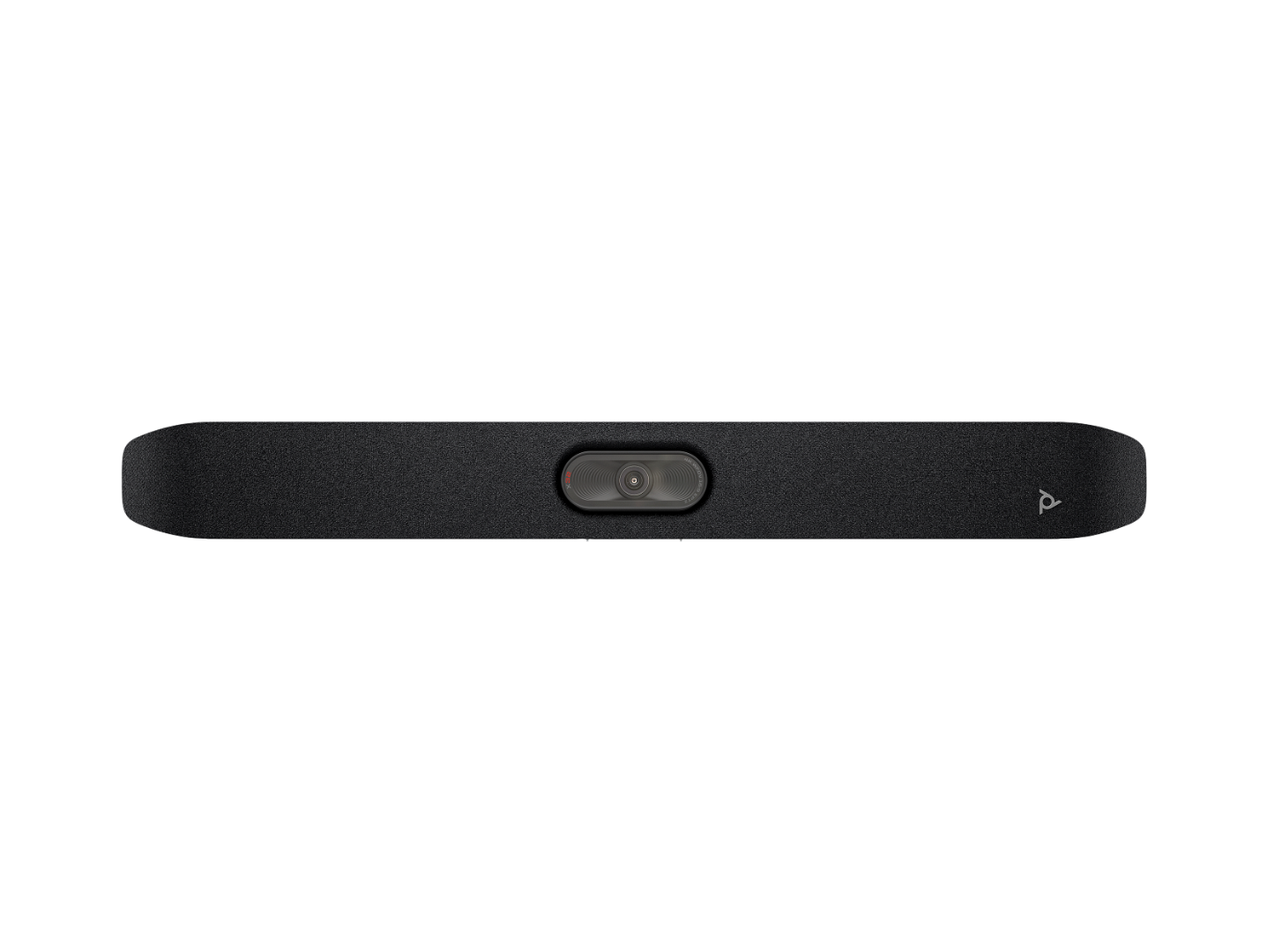
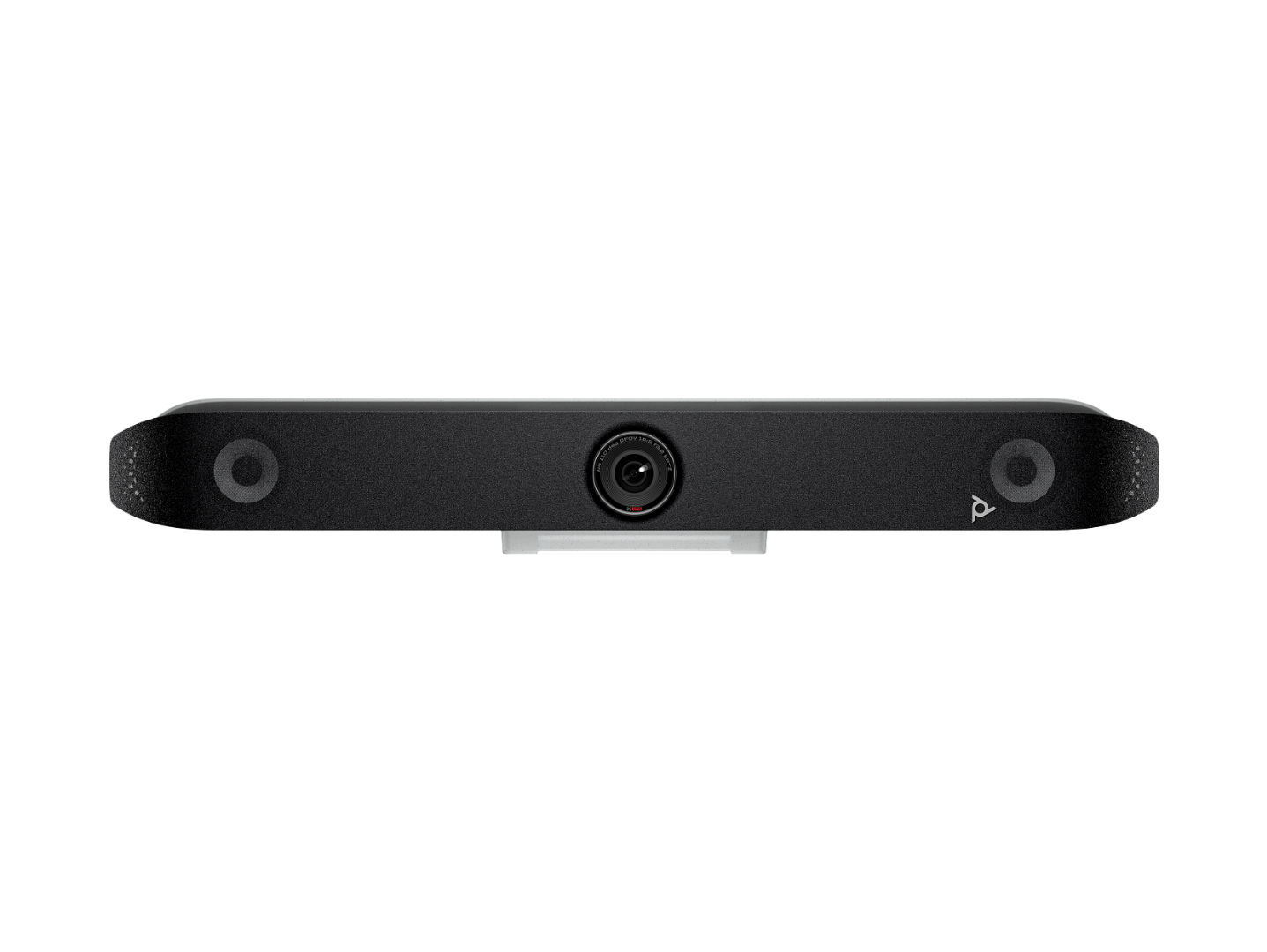
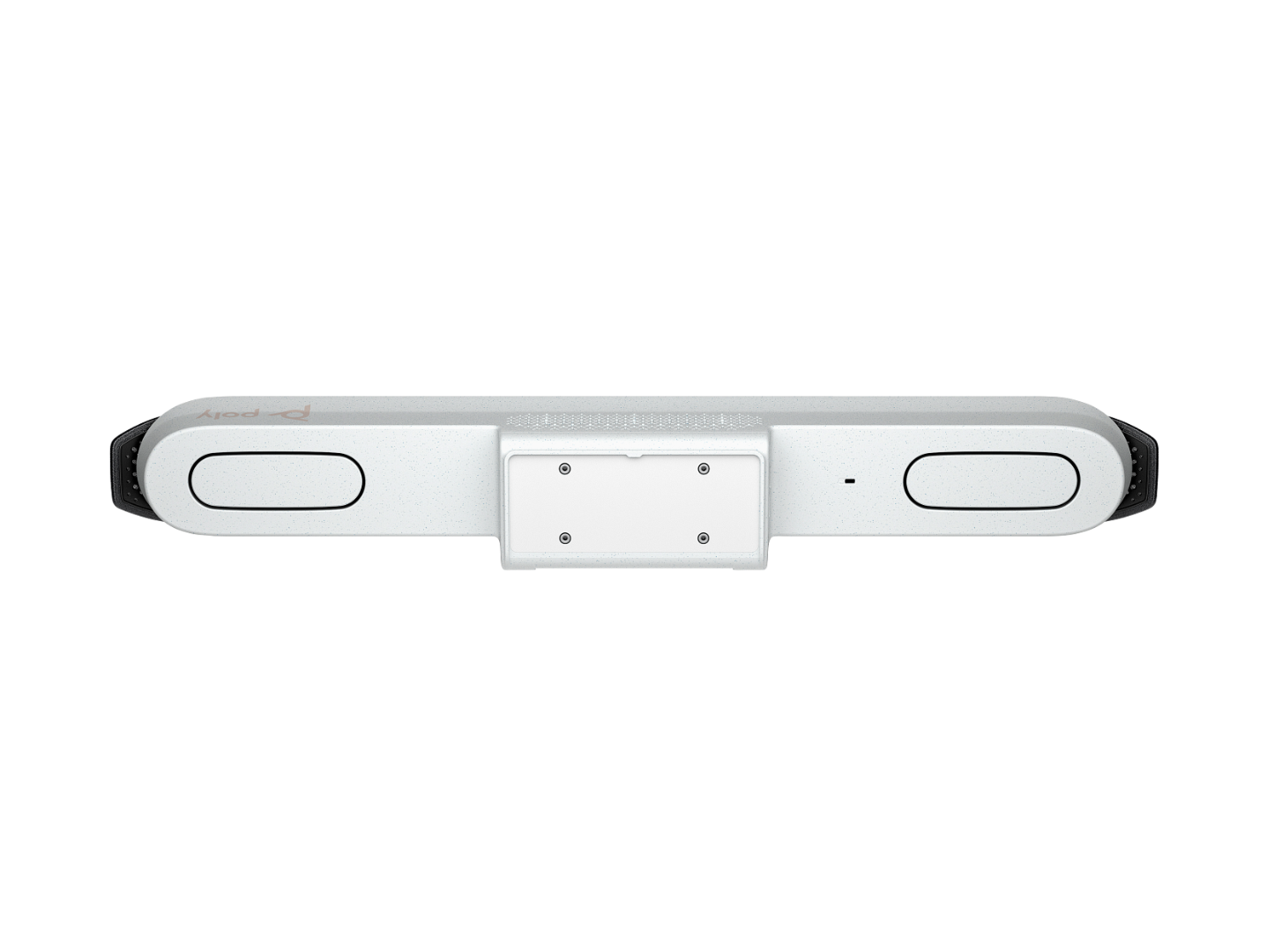
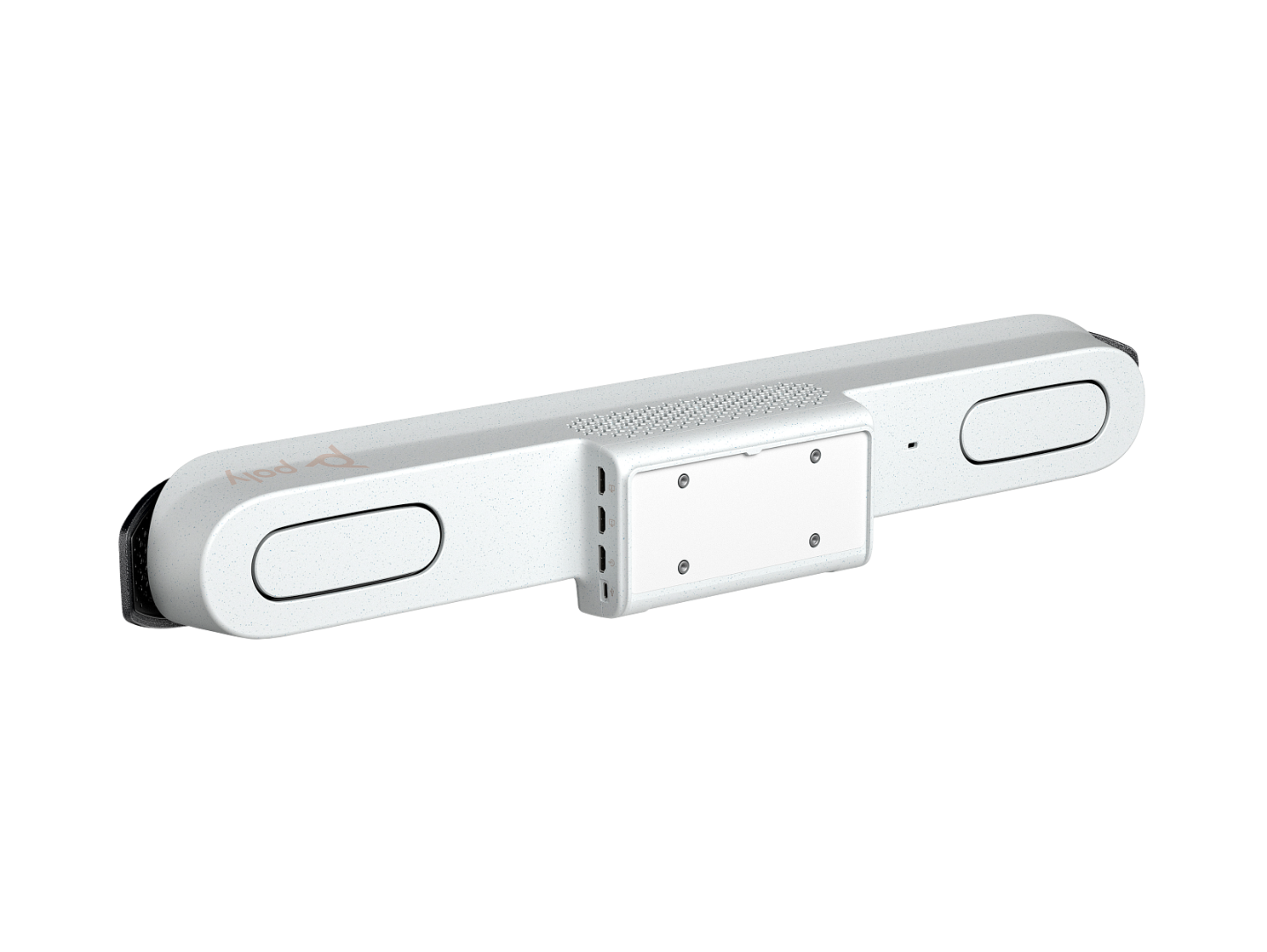
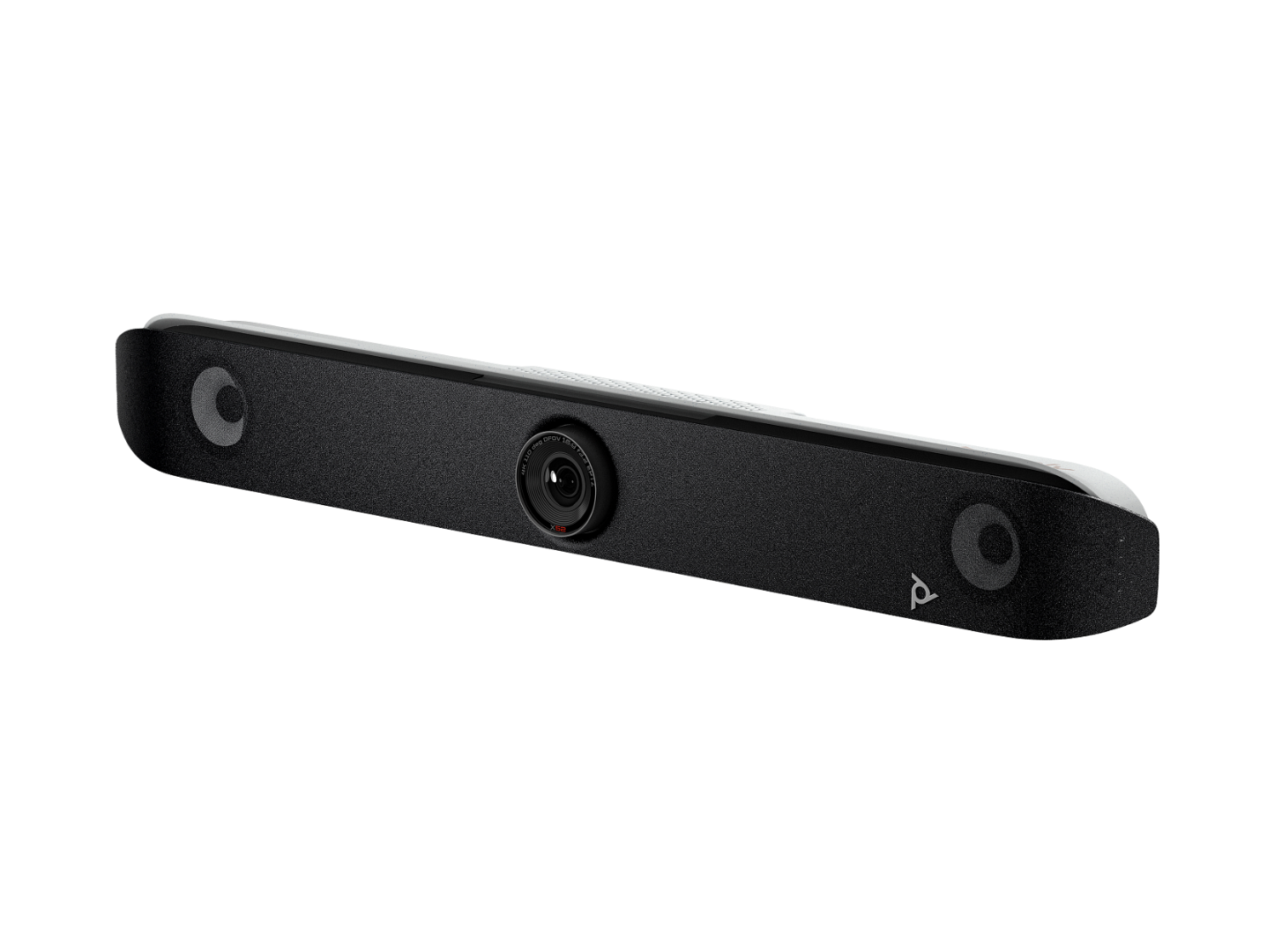
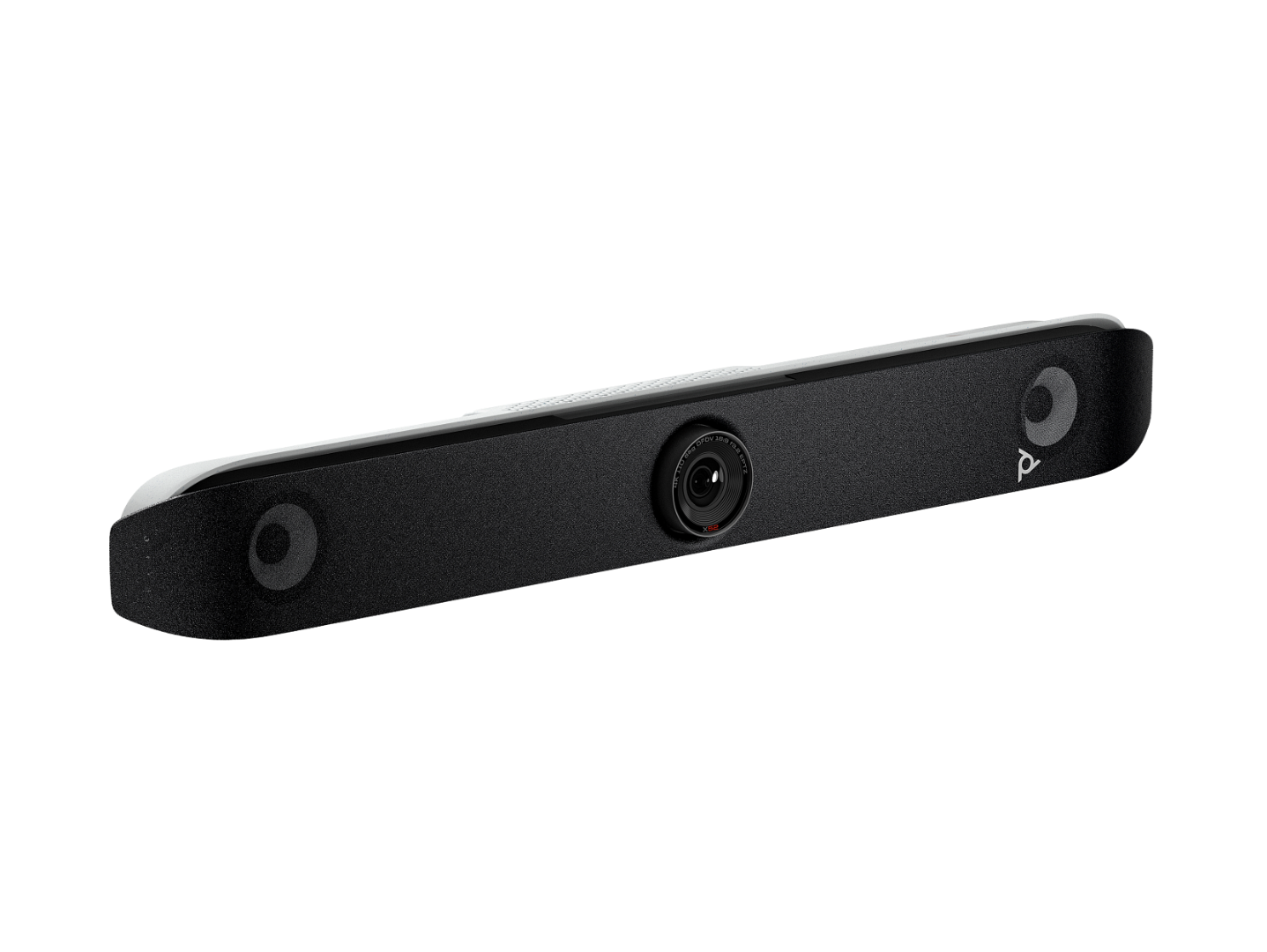
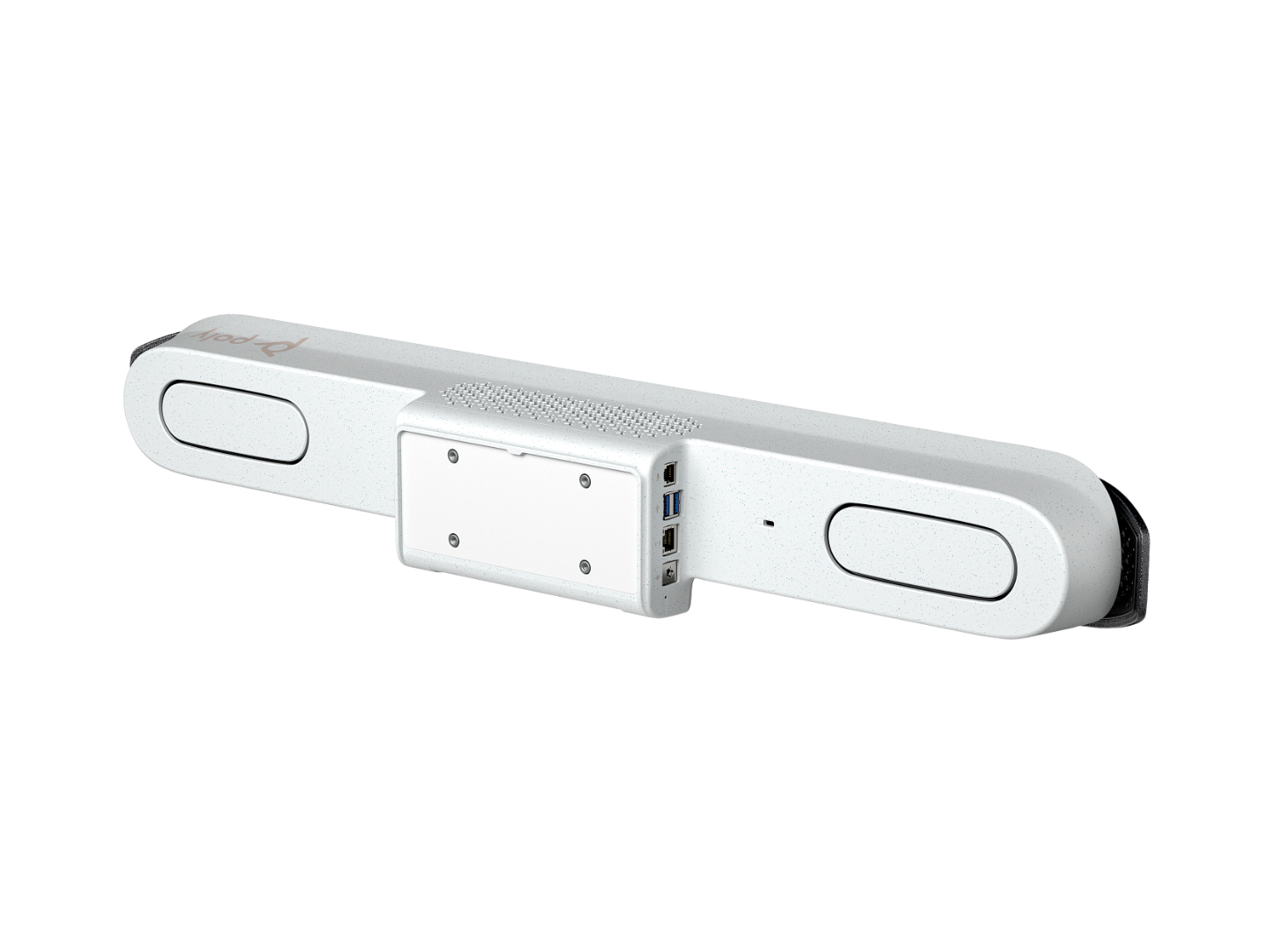
The Poly Studio X52 is an all-in-one 4K video conferencing bar designed for medium-sized meeting rooms. It combines a 20 MP camera, a four-microphone array, stereo speakers and a built-in video conferencing computer in a single bar. It is certified for Microsoft Teams, Zoom and Google Meet, and AI framing and noise-blocking technology keep everyone in the room seen and heard clearly.
Mount it on a display, connect the network, and the room is ready for hybrid meetings without a separate PC, camera or speakerphone. It is the successor to the Poly Studio X50.
[Check price and stock] [Request a quote] [Talk to a specialist]
| Product | HP Poly Studio X52 all-in-one video bar |
| Best for | Medium meeting rooms, roughly 20 ft × 15 ft (about 6 m × 4.5 m) |
| Camera | 20 MP 4K Ultra HD, 95° field of view, 5x digital zoom |
| Audio | Stereo speakers, four-microphone array (2 MEMS plus 2 second-order), pick-up up to about 6 m |
| AI features | Poly DirectorAI (group, people and speaker framing), NoiseBlockAI, Acoustic Fence |
| Platforms | Certified for Microsoft Teams, Zoom and Google Meet; also supports Dialpad, GoToRoom and RingCentral; any cloud service via Poly Video App mode or USB device mode |
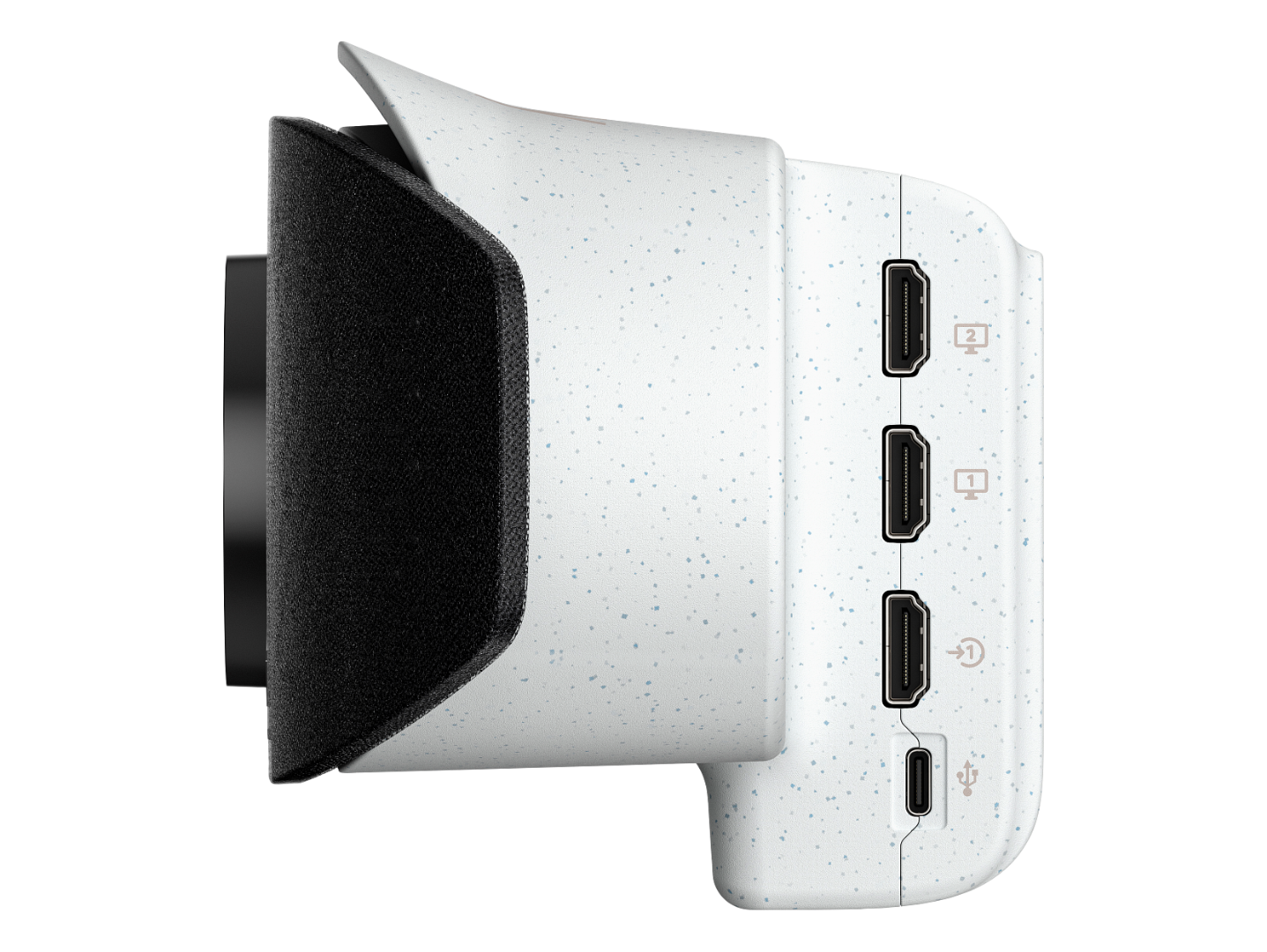
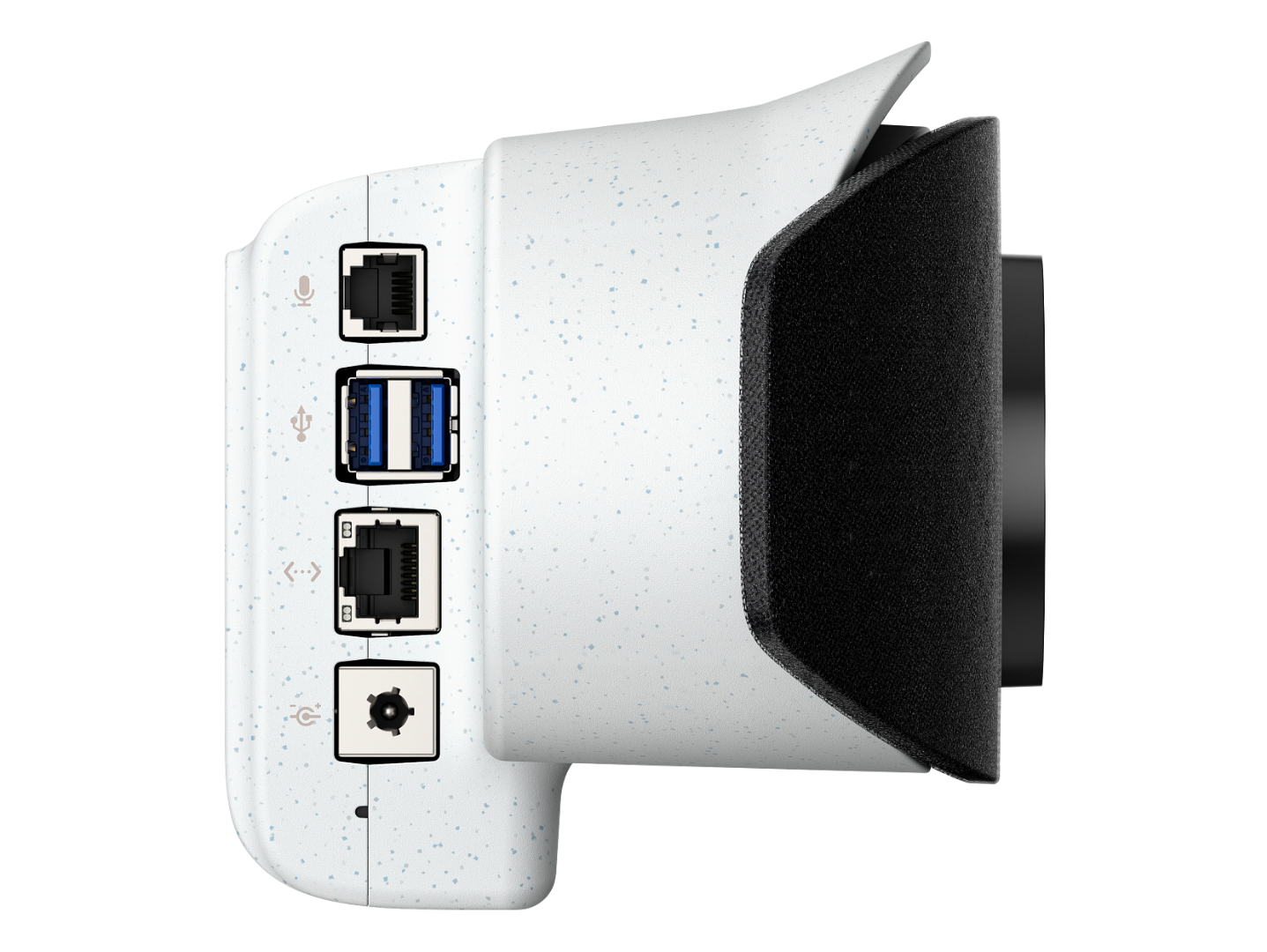
| Connectivity | Gigabit Ethernet, Wi-Fi 6, Bluetooth 5.0, 1 × HDMI in, 2 × HDMI out |
| Wireless sharing | Apple AirPlay, Miracast, digital whiteboarding (depending on platform) |
| Management | Poly Lens cloud management |
| Part numbers | 8D8K2AA |
Built for medium rooms. Where the X32 suits small rooms and huddle spaces, the X52 is designed for larger boardrooms and meeting rooms, with a four-microphone array that picks up voices up to about 6 metres away.
Sharp 4K video with smart zoom. The 20 MP camera captures fine detail, and 5x digital zoom lets it close in on speakers. The 95° field of view suits medium rooms where participants sit further from the bar.
AI that frames the right people. Poly DirectorAI automatically switches between group framing, people framing and speaker framing, so remote participants see everyone in the room without a camera operator.
Better audio, fewer distractions. Poly NoiseBlockAI filters out background noise such as typing and paper rustling, and Poly Acoustic Fence helps keep sound from outside the meeting area off the call.
Works with the platforms your teams already use. Run Microsoft Teams Rooms (on Android), Zoom or Google Meet natively. For any other cloud service, use Poly Video App mode, or connect a laptop in USB device mode.
More power under the hood. The X52 uses a Qualcomm 865 processor and Wi-Fi 6 for responsive framing and reliable connections.
Flexible room design. Two HDMI outputs support dual displays. Add a Poly Studio expansion microphone or Poly Trio to extend audio coverage, and connect secondary cameras where the room needs another viewpoint.
Wireless content sharing. Share from phones and laptops with Apple AirPlay or Miracast, or use the HDMI input for a wired connection.
Easy to manage at scale. Poly Lens lets IT teams monitor, update and troubleshoot devices remotely, and apply policies in bulk across many rooms.
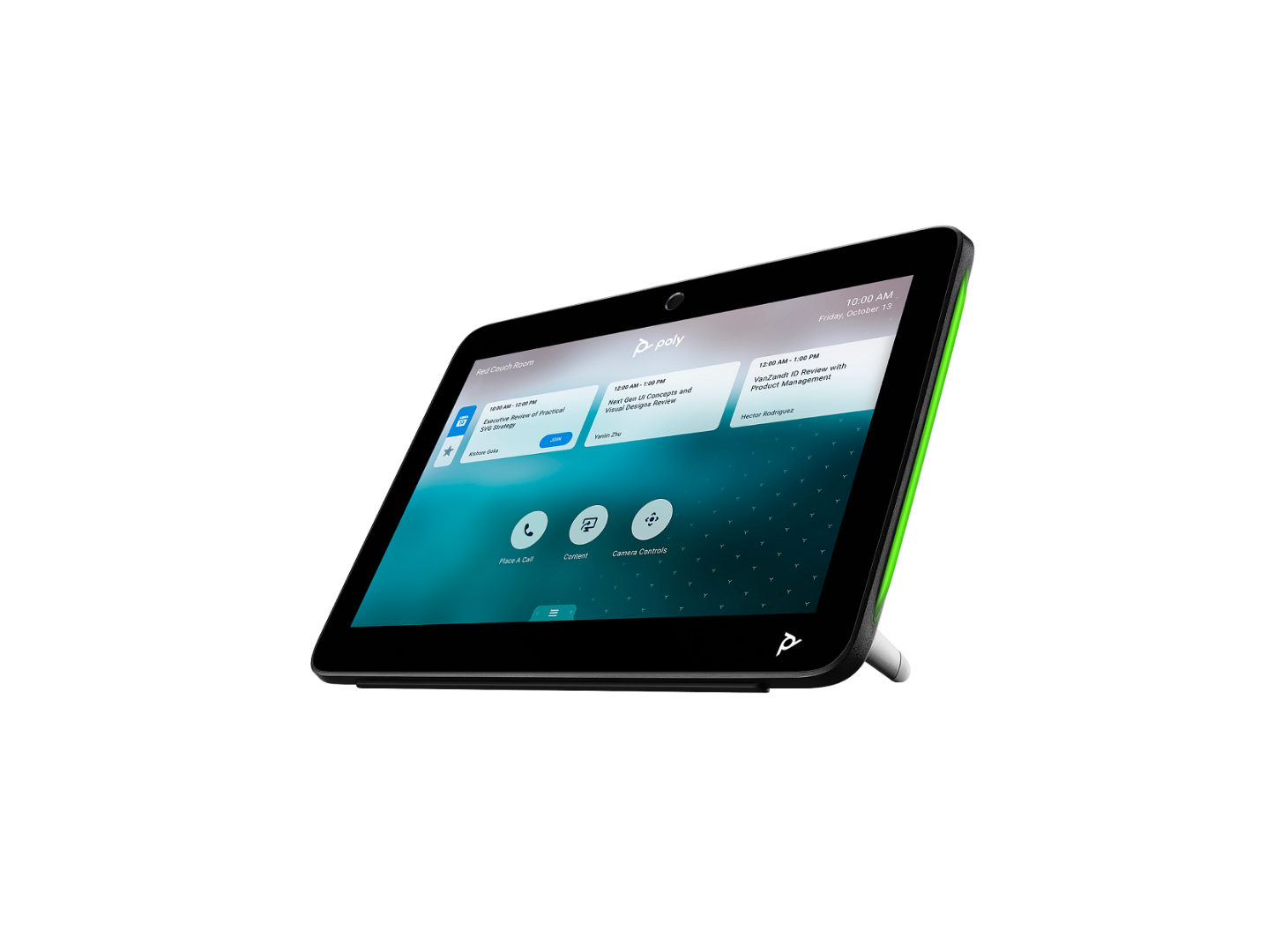
For one-touch meeting join and room scheduling, pair the X52 with the Poly TC10 10.1" touch controller, which is powered by a single PoE cable. See our [Poly TC10 touch controller page]. The X52 also supports the Poly TC8 and a Bluetooth remote control.
What is the Poly Studio X52?
The Poly Studio X52 is an all-in-one 4K video conferencing bar for medium-sized meeting rooms. It combines a camera, microphones, speakers and a built-in computer, so you only need a display to run Teams, Zoom or Google Meet meetings.
What size room is the Poly Studio X52 designed for?
Medium meeting rooms, around 20 ft × 15 ft (about 6 m × 4.5 m), typically seating up to around eight people. Its microphone array picks up voices up to about 6 metres. For small rooms, consider the Poly Studio X32.
Is the Poly Studio X52 certified for Microsoft Teams and Zoom?
Yes. It is certified for Microsoft Teams, Zoom and Google Meet. Other services work through Poly Video App mode or USB device mode.
Does it need a separate PC?
No. Compute is built in, and Teams, Zoom or Google Meet runs directly on the bar. You can also connect a laptop in USB device mode.
What camera does the Poly Studio X52 have?
A 20 MP 4K Ultra HD camera with a 95° field of view and 5x digital zoom, supported by Poly DirectorAI automatic framing.
Can I connect two displays?
Yes. It has two HDMI outputs for dual-display rooms, plus an HDMI input for content sharing.
Can I add a touch controller?
Yes. The Poly TC10 touch controller is a popular option and runs from one PoE cable. The X52 also supports the Poly TC8 and a Bluetooth remote.
Can I extend the microphone coverage?
Yes. You can add a Poly Studio expansion microphone or a Poly Trio to cover longer tables.
What is the difference between the Poly Studio X52 and X50?
The X52 replaces the X50 with an uprated 20 MP 4K camera, a more powerful Qualcomm 865 processor, improved framing algorithms, advanced microphones and Wi-Fi 6.
What warranty does it include?
Poly’s standard one-year limited warranty, extended and enhanced support available.
Where can I buy the Poly Studio X52 in the UK?
From Smart Board Direct, with UK delivery, VAT invoice, installation advice and the right mounts and accessories.
[Request a quote] [Check stock] [Speak to an expert on 0141 946 7355]
GOT A QUESTION?
CALL US ON:
0141 946 7355